VaultMe: A Secure Automated Email Migration Tool
When you change email providers or combine all mailboxes into one, moving your existing email safely and accurately is critical.
Traditional export/import methods using Outlook as an email migration tool or DIY utilities can be time-consuming and error-prone, especially when you’re dealing with large mailboxes or multiple users.
VaultMe is a secure, automated migration tool designed to move email directly between cloud accounts while preserving structure, metadata, and privacy.
What is VaultMe used for?
VaultMe is a fully automated cloud-to-cloud email migration tool that transfers email between accounts without requiring you to download local archives, install software, write scripts, or manage command-line tools.
It’s suitable for:
- Businesses and IT administrators migrating users between platforms or consolidating accounts
- Individuals moving from one personal email account to another
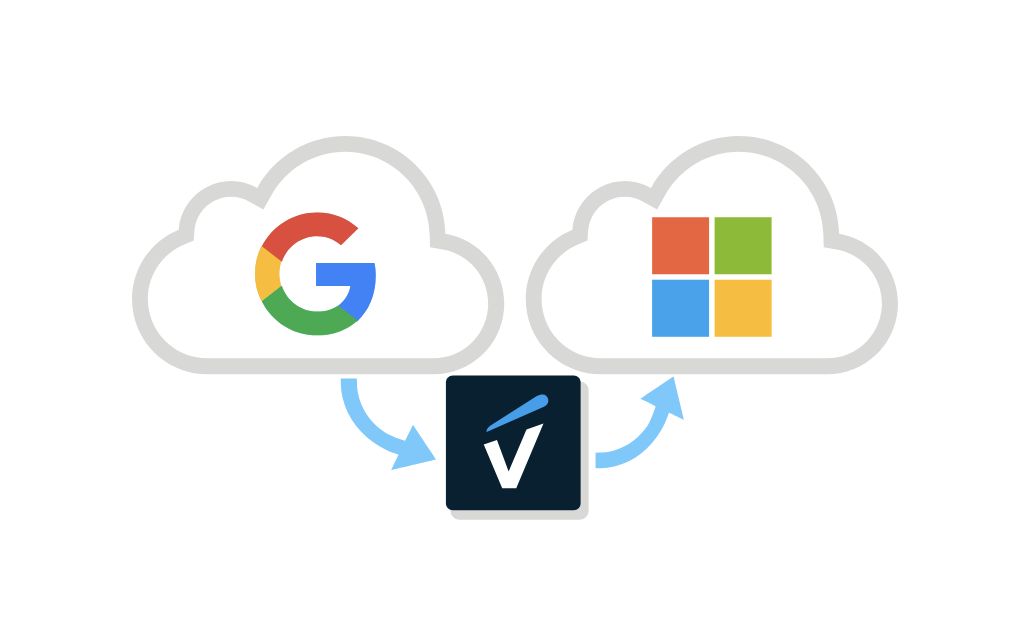
With VaultMe, you connect the source and destination accounts in your browser, configure what you want to move, and VaultMe handles the migration in the background.


VaultMe is designed to provide a balance of accuracy, security, and simplicity:
-
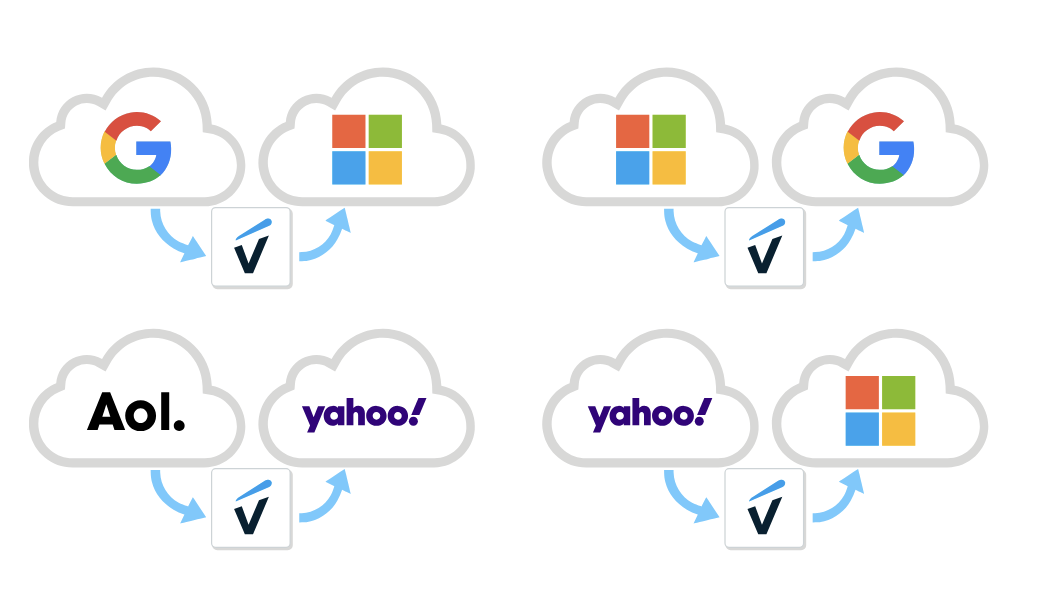
Fast and precise results with support for Microsoft 365 and Google Workspace migrations, as well as hundreds of other email providers
-
Strong security and privacy practices
-
Support for both personal and business accounts
-
Fully automated process (no export/import of archives)
-
Browser-based (no downloads or installation)
-
Pay-as-you-go pricing (no subscription)
-
No marketing emails, no selling of data to third parties
-
Human support available Monday through Sunday
Precise email migration
One of the biggest risks with email migration, especially when you are changing email service providers, is that you technically get your messages across, but lose the structure that makes your mailbox usable.
VaultMe is designed to preserve:
- Folder structure/labels
- Read/unread state
- Starred/flagged messages (where supported)
- Timestamps and internal dates
- Sender/recipient details and message headers
- Attachments
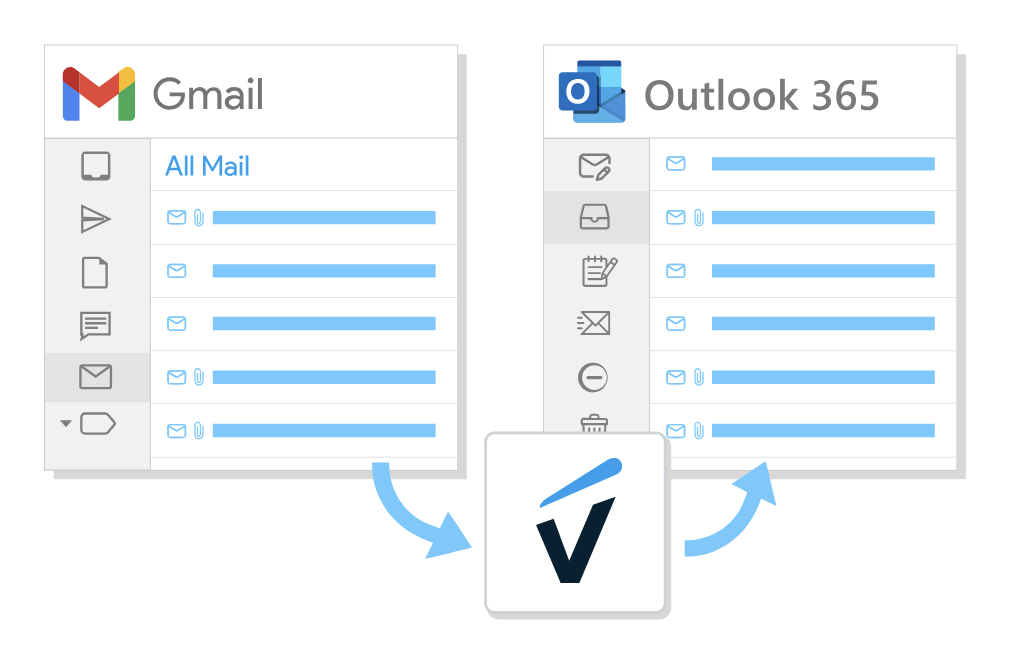
This level of metadata fidelity is where VaultMe is intentionally strict and precise.
VaultMe ensures compatibility when migrating from Microsoft 365 to Google Workspace and from Google Workspace to Microsoft 365, making it a robust email migration tool for both platforms.
Private and secure
Email is often your most sensitive data: invoices, contracts, personal information, password resets, and internal communication. Moving it has to be safe.
VaultMe is designed to be:
-
Extremely secure. It uses secure, encrypted connections to your email providers and connects using provider-approved methods (such as OAuth, where available) instead of asking for passwords in unsafe ways.
-
Privacy-focused. No marketing emails: you’re not trading your data for a lifetime of newsletters. No selling data to third parties: VaultMe is a paid service, not an ad-tech business.
Because it’s fully browser-based, there’s no local software that can be compromised, misconfigured, or forgotten on a machine later.
For personal and business accounts
Unlike many tools that are either "only for home users" or "only for IT teams," VaultMe supports both scenarios. It can be used as an IMAP migration tool and supports OAuth 2.0.
For organizations & administrators
- Migrate user mailboxes when changing providers or consolidating tenants
- Migrate to and from Microsoft 365, Exchange, Google Workspace (G Suite), personal Google accounts, personal and business Yahoo accounts, Comcast, AOL, and other providers
- Use a simple, guided flow instead of scripting or manually running vendor-specific wizards
For individuals
- Move years of personal email from your old address to your new one
- Clean up your online footprint when changing email addresses or email providers
- Keep everything in one place without learning complex IT tools
VaultMe can be used as an Office 365 email migration tool, but it also supports migrations to and from Google Workspace as well as hundreds of other email service providers.
You get the reliability and precision administrators expect, in an interface that non-technical users can still handle.

Fast automated cloud migration
Speed matters, especially when you’re migrating large mailboxes or entire teams.
VaultMe is built to be as fast as the email providers allow:
- It processes data in the cloud, not through your home or office connection
- It doesn’t pause when you close your laptop or lose your local connection
- Performance is limited only by the rate limits and performance of the source and destination services, not by your device
Because everything runs in the cloud, you can start a migration and then shut down your computer and come back later to check progress.
No download and installation
A lot of email migration tools require you to download an executable file, install it on a selected machine, and hope that the machine doesn’t sleep or reboot mid-migration.
VaultMe takes a different approach:
- Runs entirely in your browser
- No software to install
- Works on any modern OS (Windows, macOS, Linux, ChromeOS)
That means that nothing to be updated, and there's no dependency on a single "migration computer."
Simple no-subscription pricing
Many commercial migration tools are sold as subscriptions or bundles designed for frequent, high-volume use. VaultMe is designed around the reality that most users don’t migrate email every month.
Because of this:
-
There is no ongoing subscription
-
You pay only when you actually run a migration
-
You get predictable, one-off cost instead of recurring fees
This makes it attractive both for individuals who just want to move one or a few accounts, and
organizations running a migration project, but not needing a permanent license afterward.
Our prices are outlined on this page: VaultMe pricing.
Human support
Email migration is one of those tasks you don’t do often, so questions are normal and welcome.
With VaultMe, you aren’t left alone with a knowledge base. Human support is available Monday through Sunday.
You can get help interpreting errors from source/destination providers. You can ask practical questions like "Should I move archives separately?" or "What happens if a user is still using the old account?"
That mix of automation plus accessible humans is especially valuable for administrators running time-sensitive moves.
When to choose VaultMe as your email migration tool
VaultMe is a great fit if:
-
You want a precise, trustworthy copy of your mailbox(es)
-
You care about security and privacy, and don’t want your data monetized
-
You need to migrate personal or business accounts with minimal disruption
-
You prefer no downloads, no installations, and no subscriptions
-
You want real humans available to help if anything is unclear
In short: if you’re looking for a secure automated email migration tool that balances precision, safety, and simplicity, VaultMe is built for exactly that use case.
FAQs about the VaultMe email migration app
Is VaultMe free to use?
VaultMe is not free, but it's inexpensive. Our prices are outlined on this page: VaultMe Pricing.
Is VaultMe reliable?
Yes, VaultMe is highly reliable, and our reviews speak for themselves.
Does VaultMe transfer Google Photos?
Currently, Google does not offer apps like VaultMe the ability to transfer Google Photos efficiently. For this reason, the only way to copy Google Photos is to go through the manual process. For detailed instructions, refer to this article: How to Transfer Google Photos from One Account to Another.
How long does VaultMe take?
Migration time depends on multiple factors, including the size of the source account, the performance of accounts, API limitations, and others. VaultMe is designed to handle even the largest migrations very quickly, but it cannot bypass limitations outside of its control. Small accounts can be migrated within hours, while large and extra-large accounts may need days and sometimes weeks.
Does VaultMe work with university and college accounts?
Yes, VaultMe supports migrations of university and college accounts, unless the organization limits the ability of third-party apps to transfer content outside the organization.
If you are a representative of a university's IT department, you are welcome to review our offer for educational institutions: VaultMe for Universities.
Related articles
Can't choose an IMAP migration tool for your project? VaultMe's article provides guidance: Best IMAP Migration Tools for Businesses.
Need to transfer email for an organization? Learn how to migrate company data: Email Migration Checklist: How to Transfer Business Email.
Can't choose a cloud migration tool? Here's VaultMe's guide on migration tools and services: Best Email Migration Tools and Services.
In search of cloud migration best practices? This article may be helpful: Cloud Email Migration Tools and Best Practices.
Tasked with migrating to Google Workspace? Learn how to prepare and run a migration: How to Perform a Google Workspace Migration.